Welcome to our community

Be a part of something great, join today!

  • Hey all, just changed over the backend after 15 years I figured time to give it a bit of an update, its probably gonna be a bit weird for most of you and i am sure there is a few bugs to work out but it should kinda work the same as before... hopefully :)

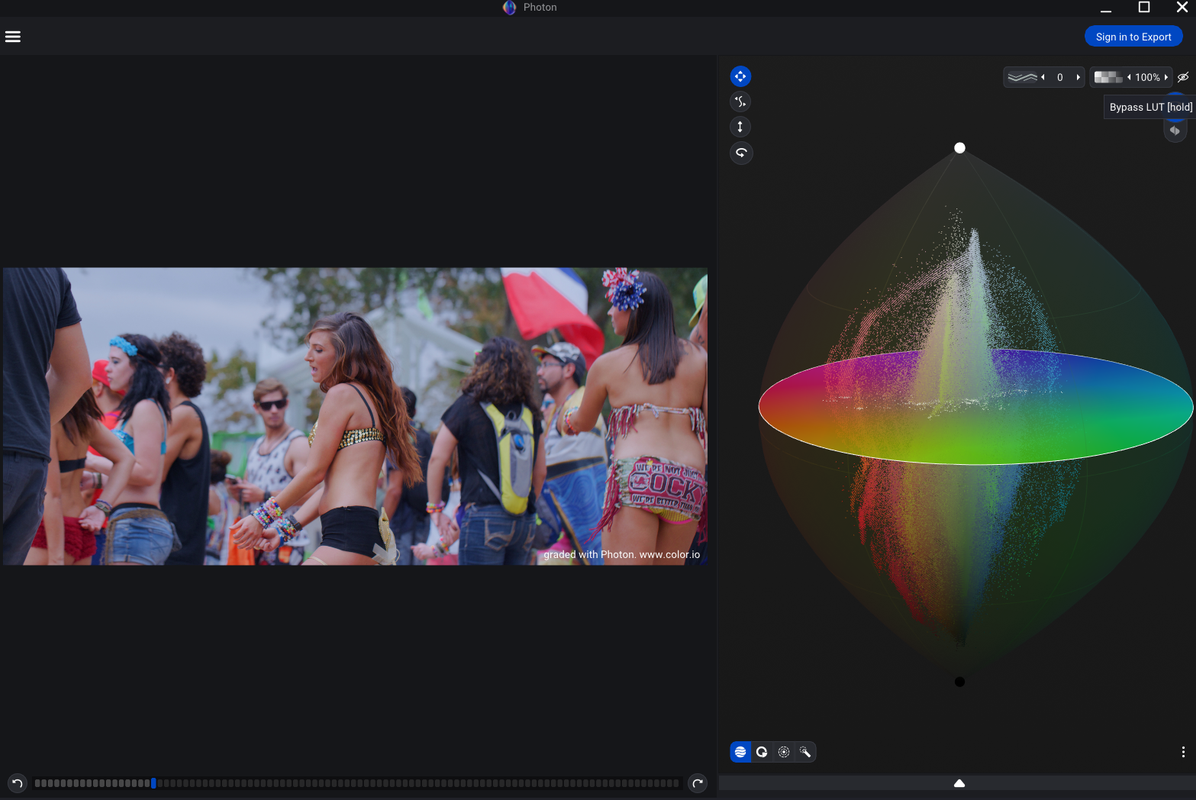
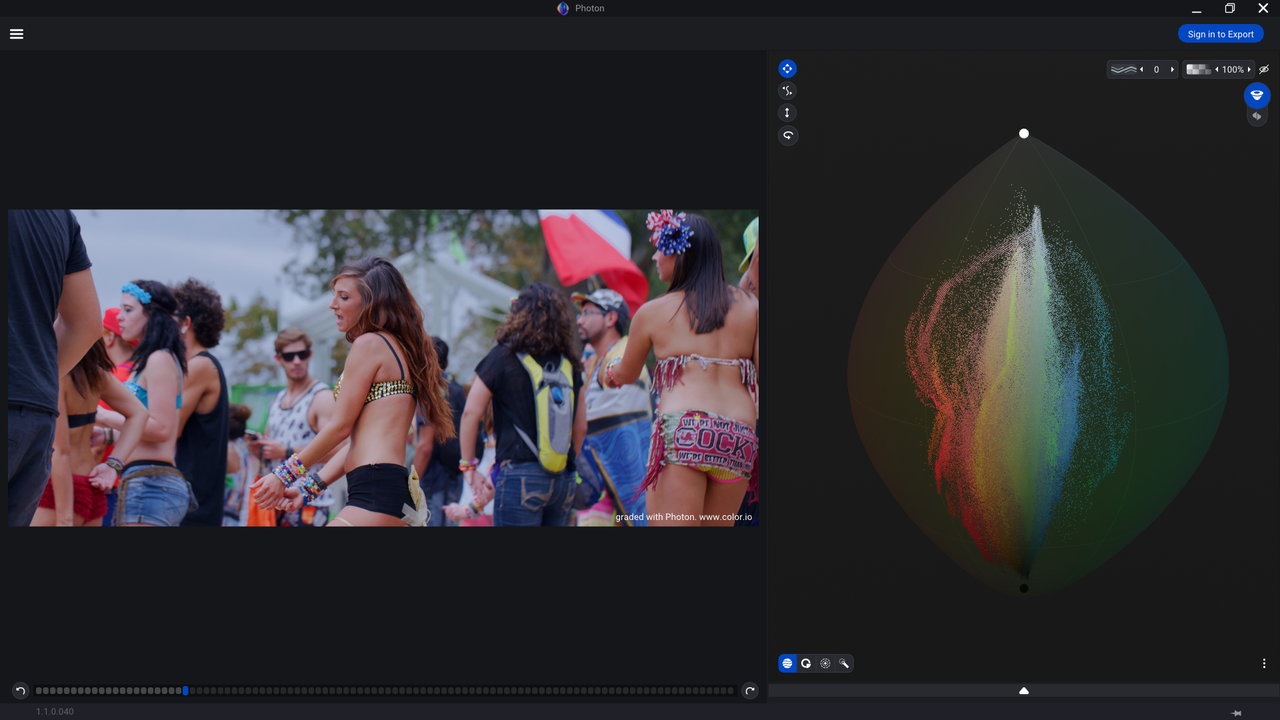
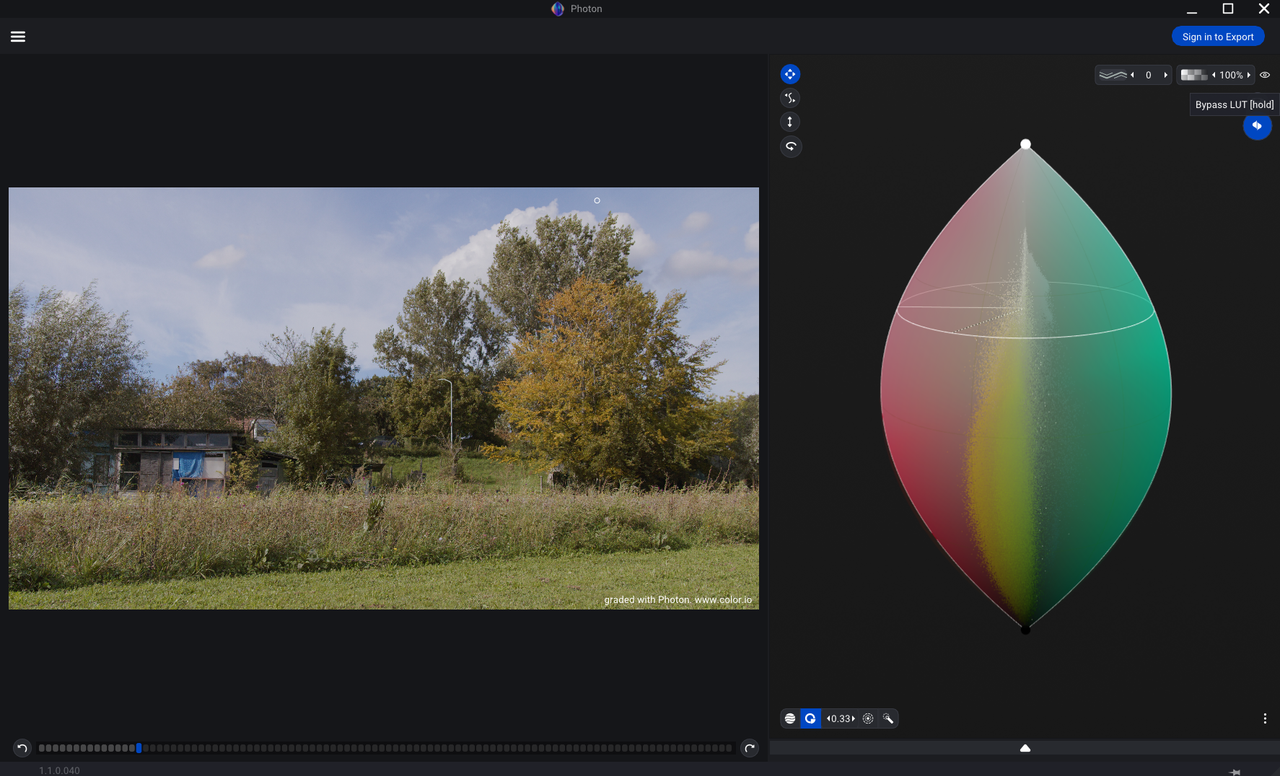
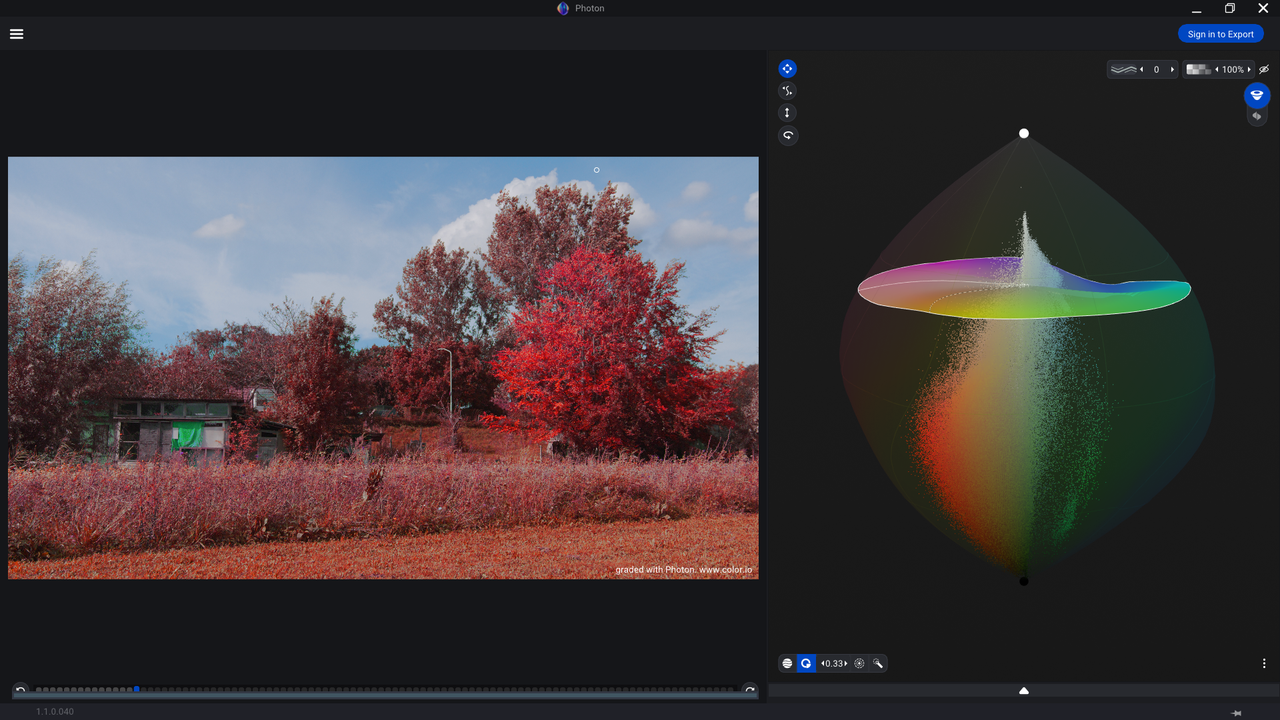
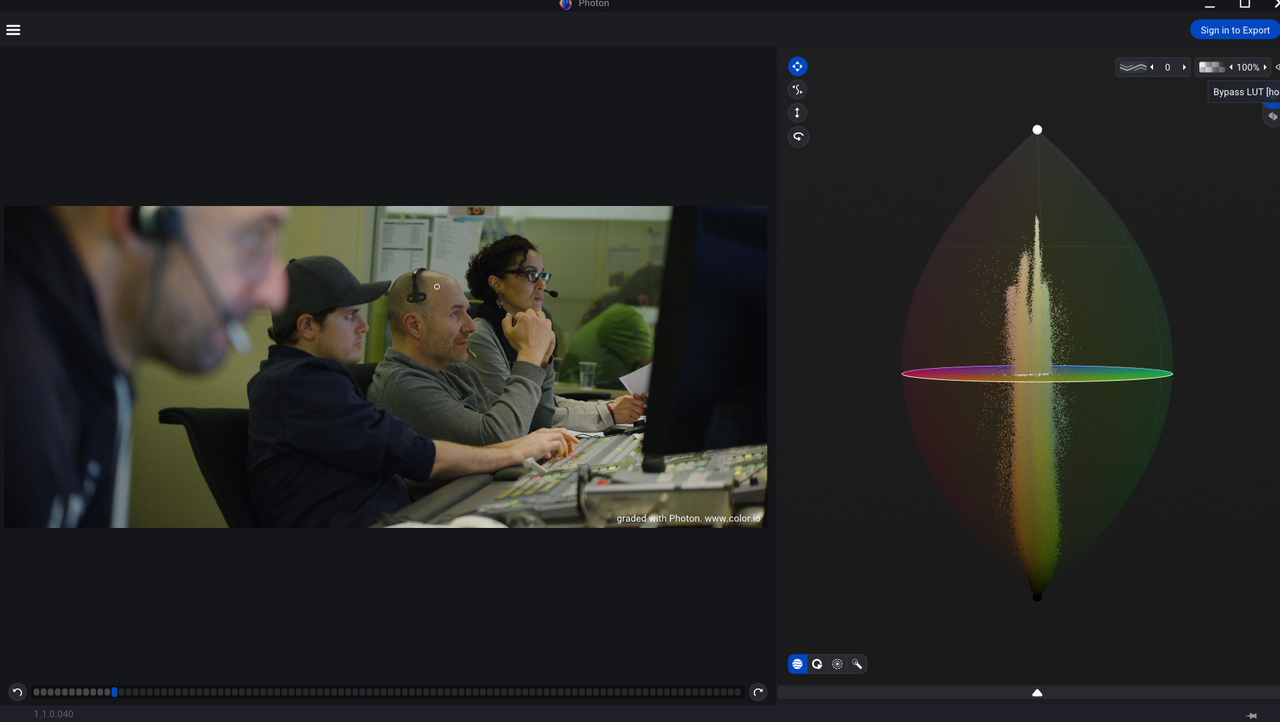
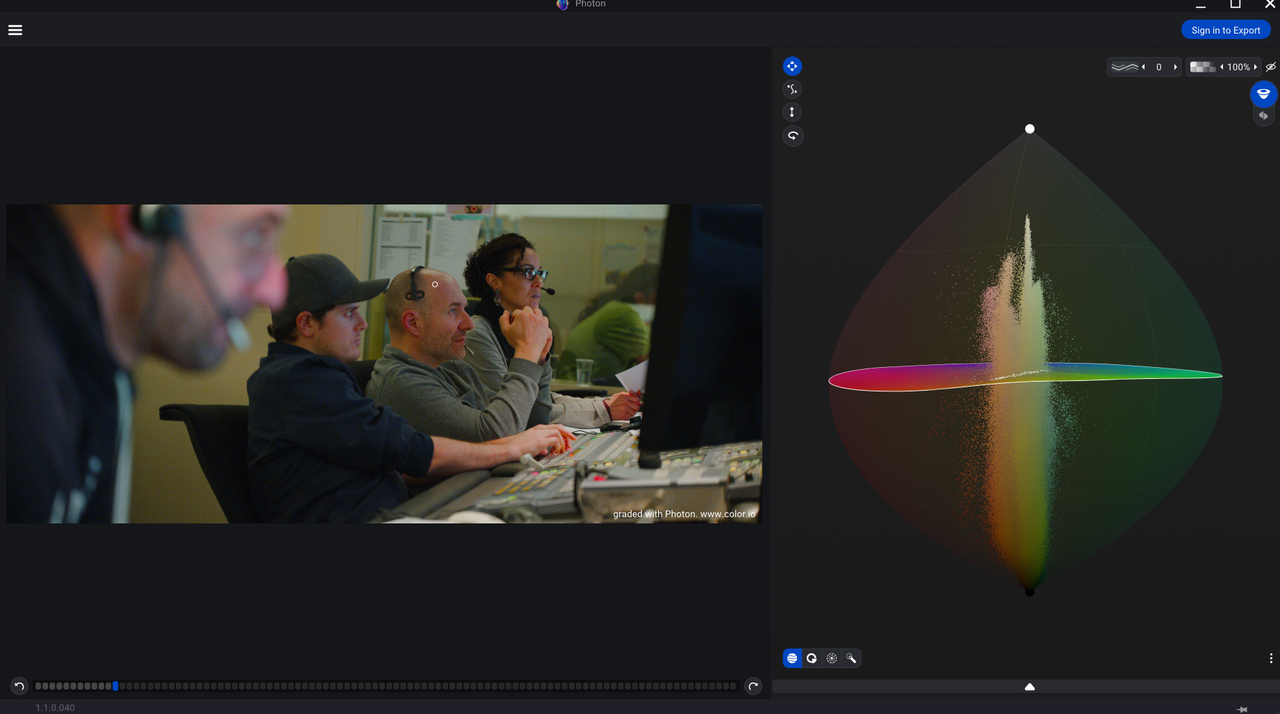
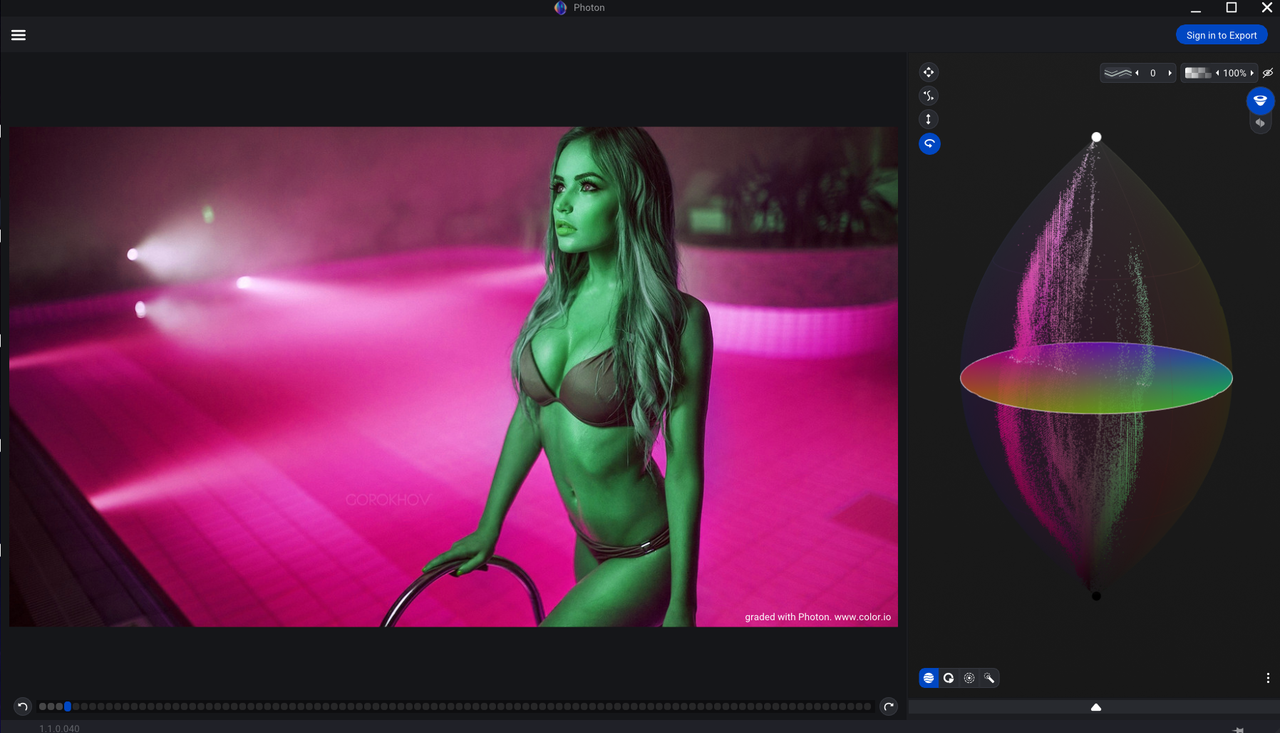
Color.io Photon for 3D Color Grading Released

rand thompson

Well-known member
Joined
Aug 9, 2011
Messages
18,999
Reaction score
622
Points
113
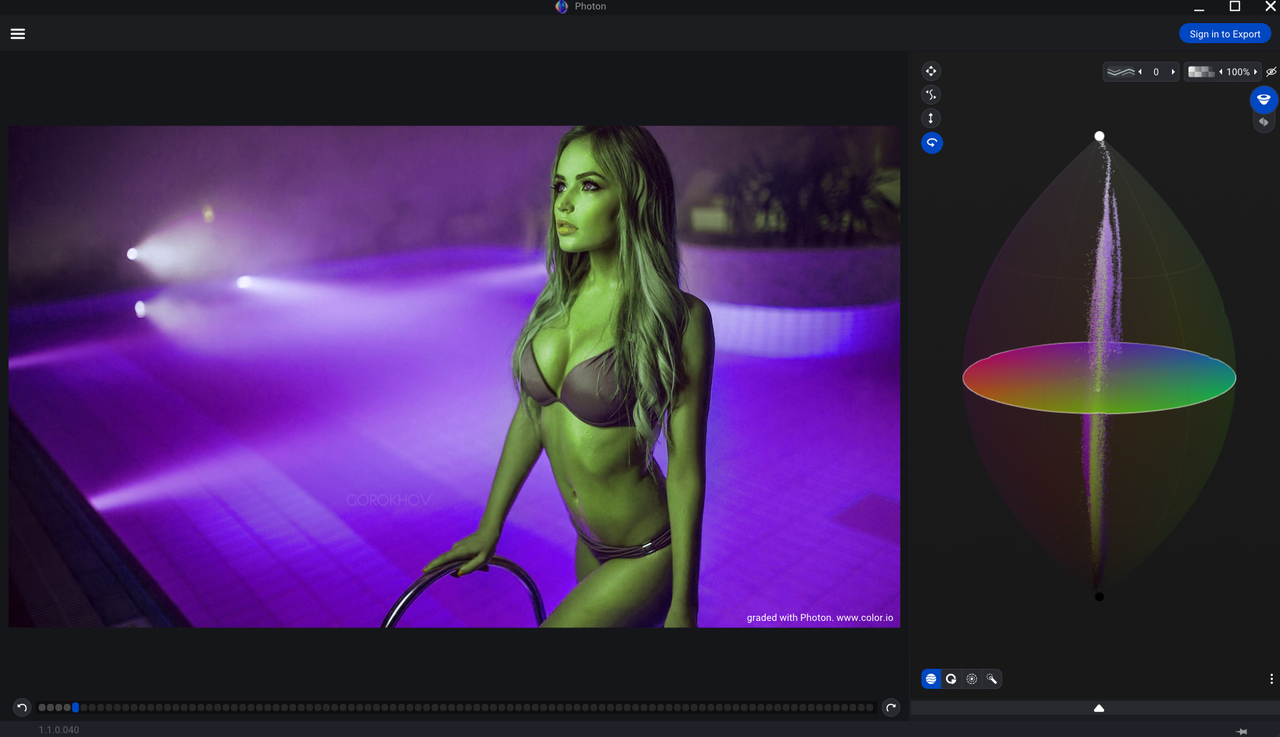
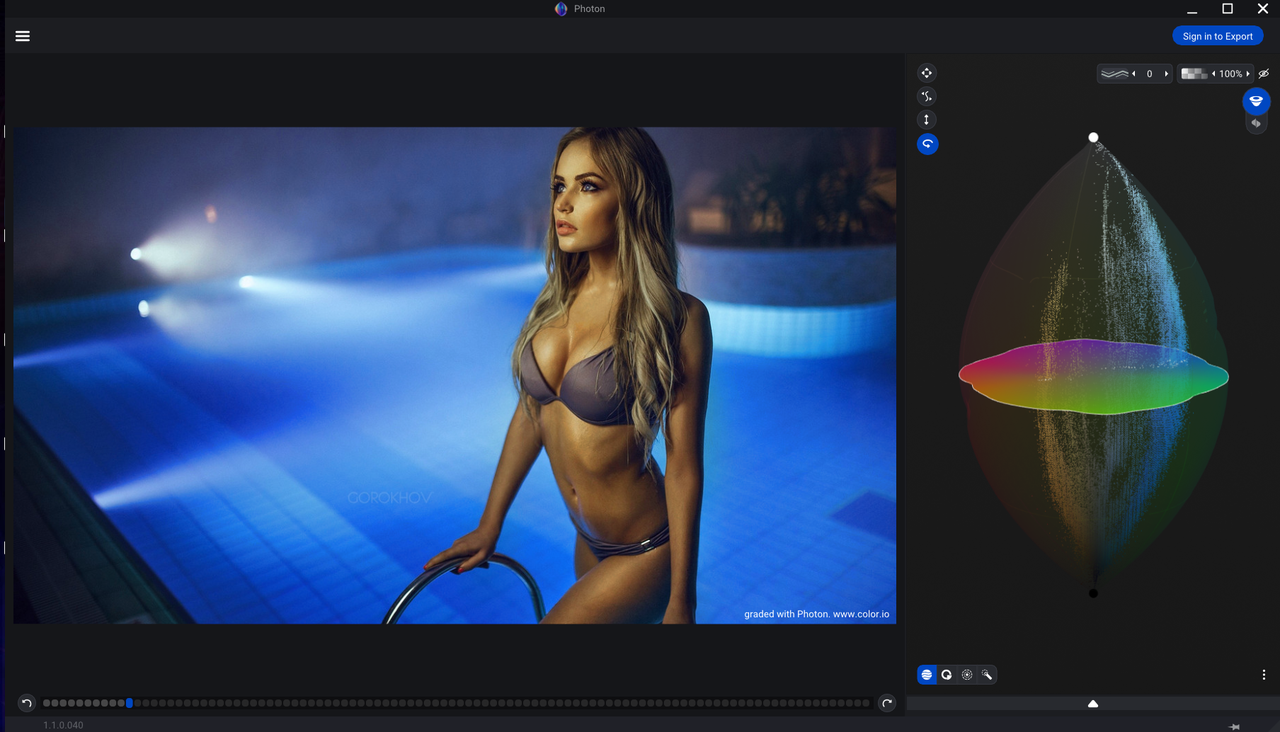
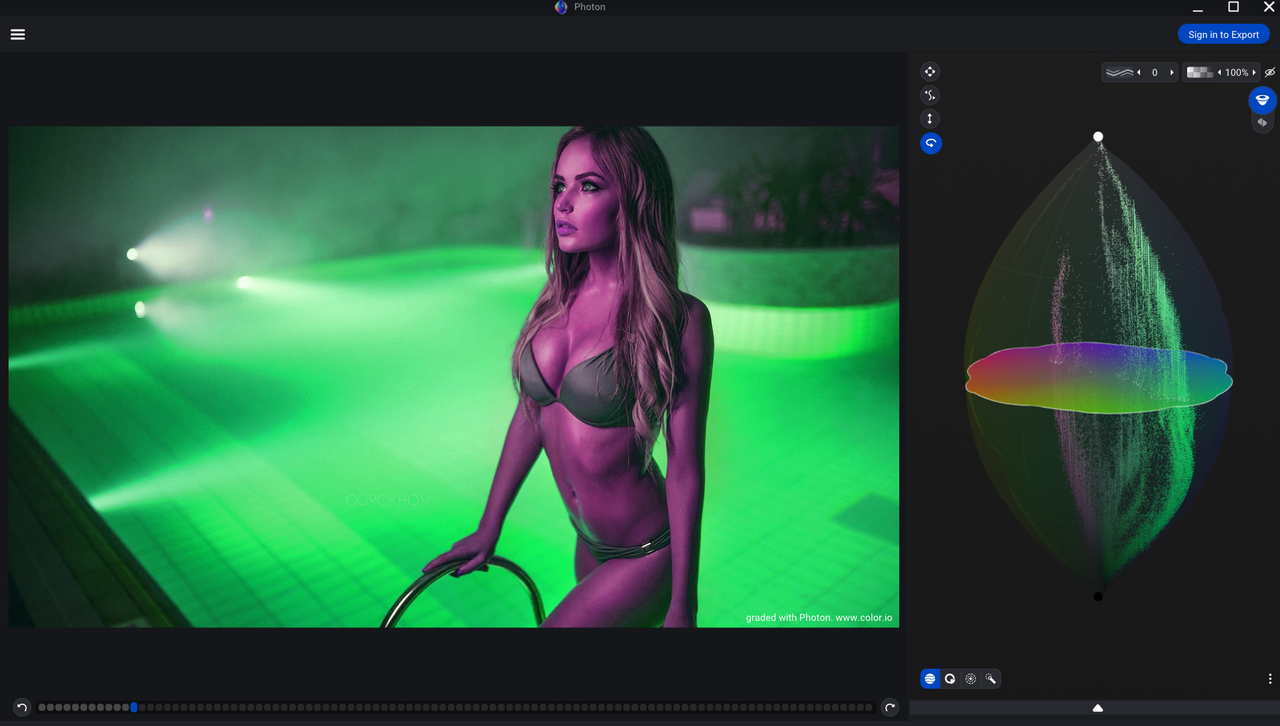
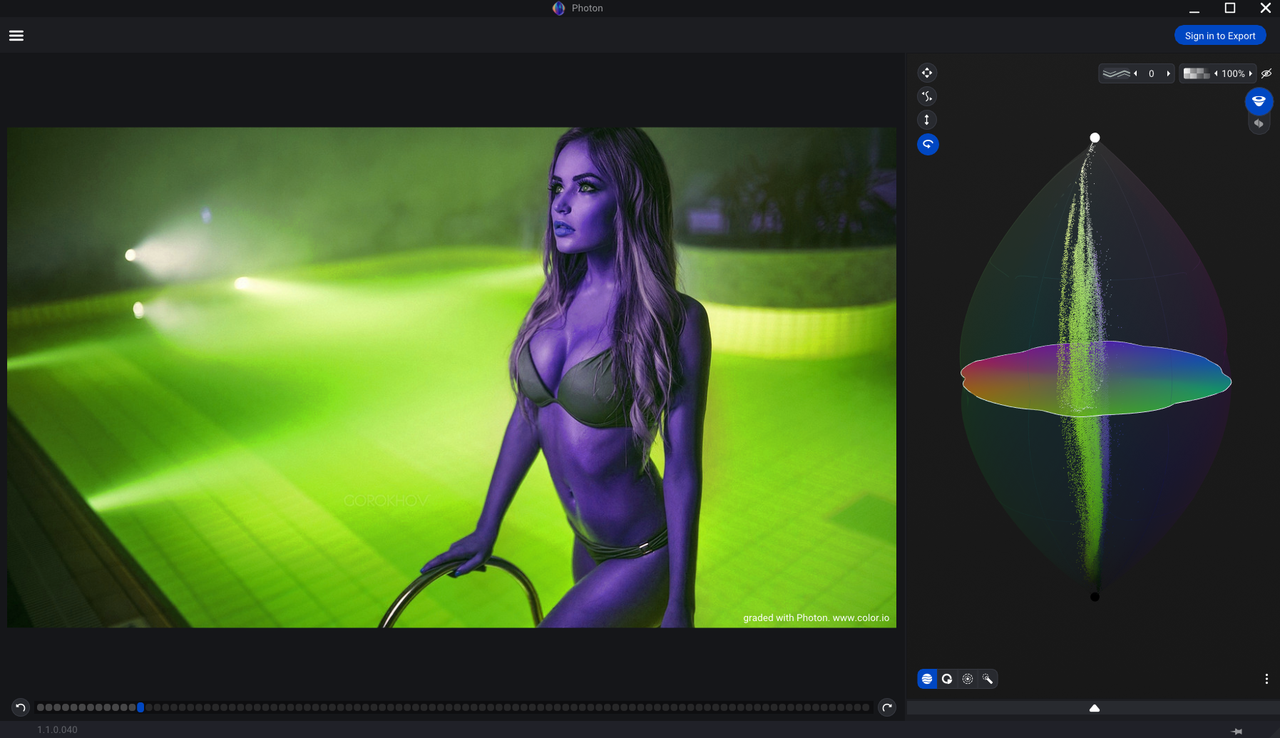
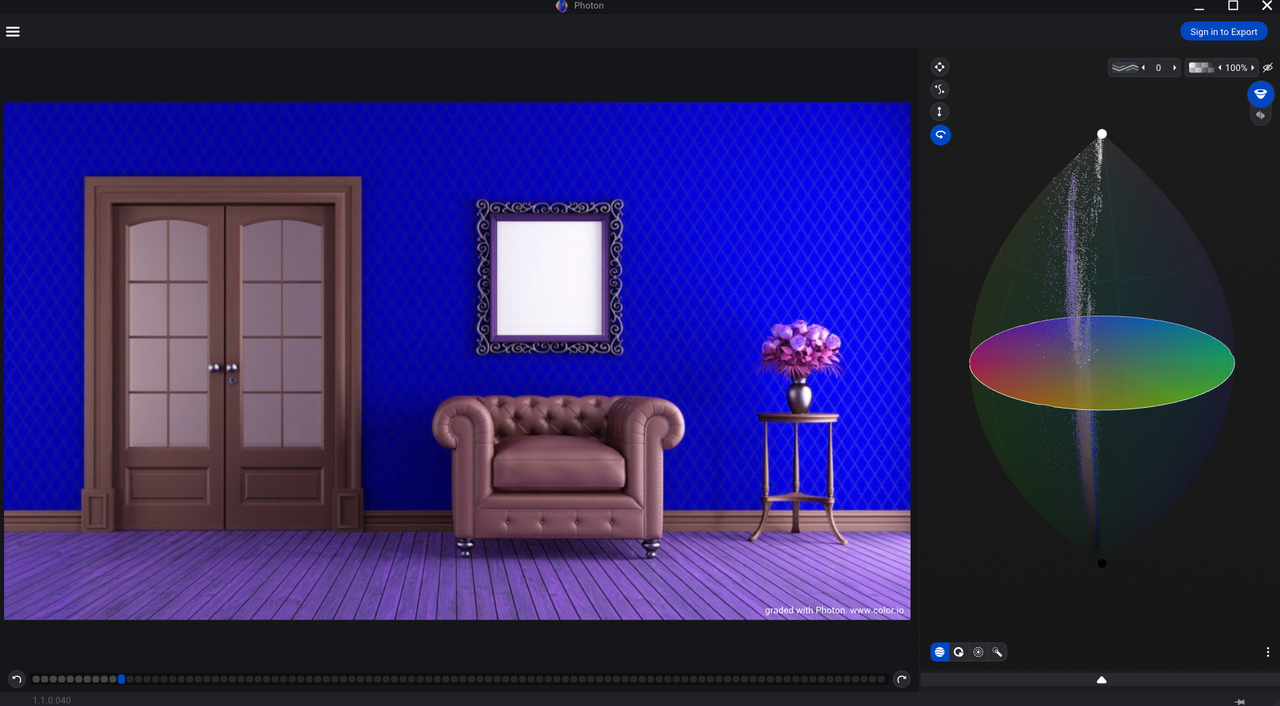
Color.io Photon for 3D Color Grading Released


By CineD


Article
https://www.cined.com/color-io-photon-release-announcement/

Color.io website -with a link in the upper right corner for the trial version
https://www.color.io/photon
1618938040054.jpg


1618938046418.jpg


Screenshot-20210420-120308-Chrome.jpg
 
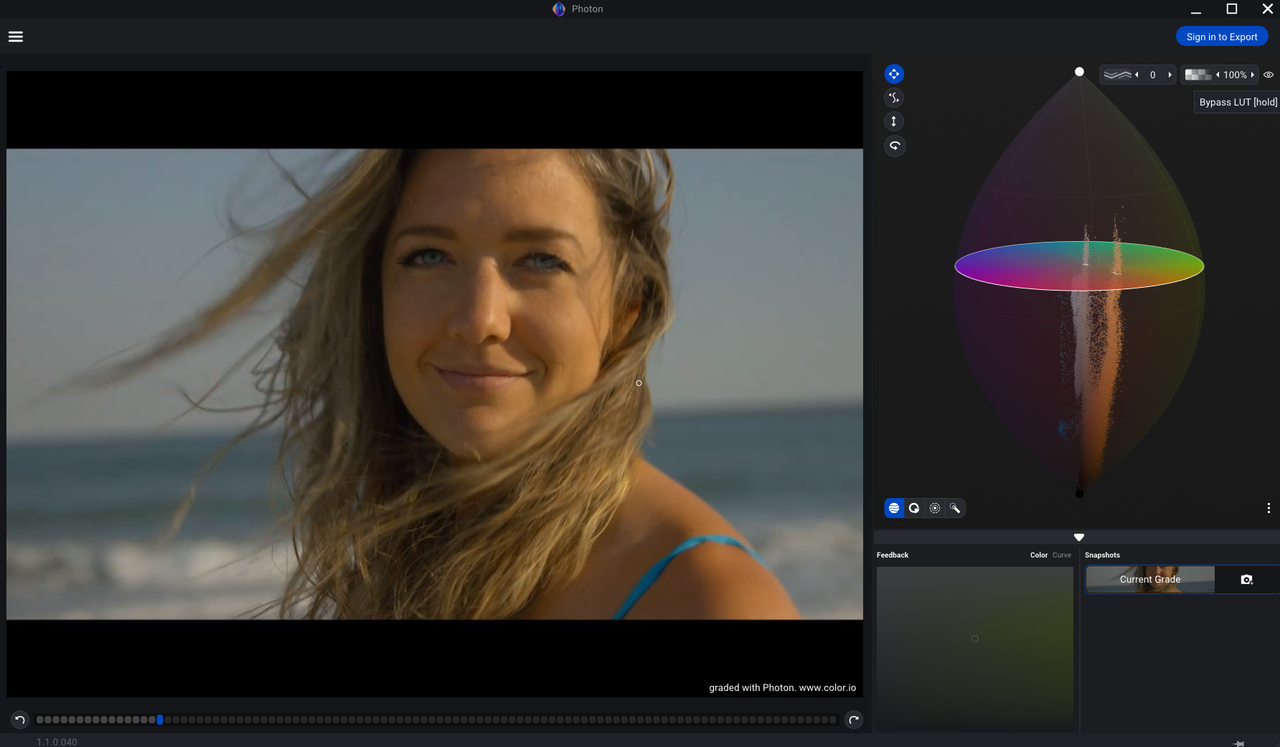
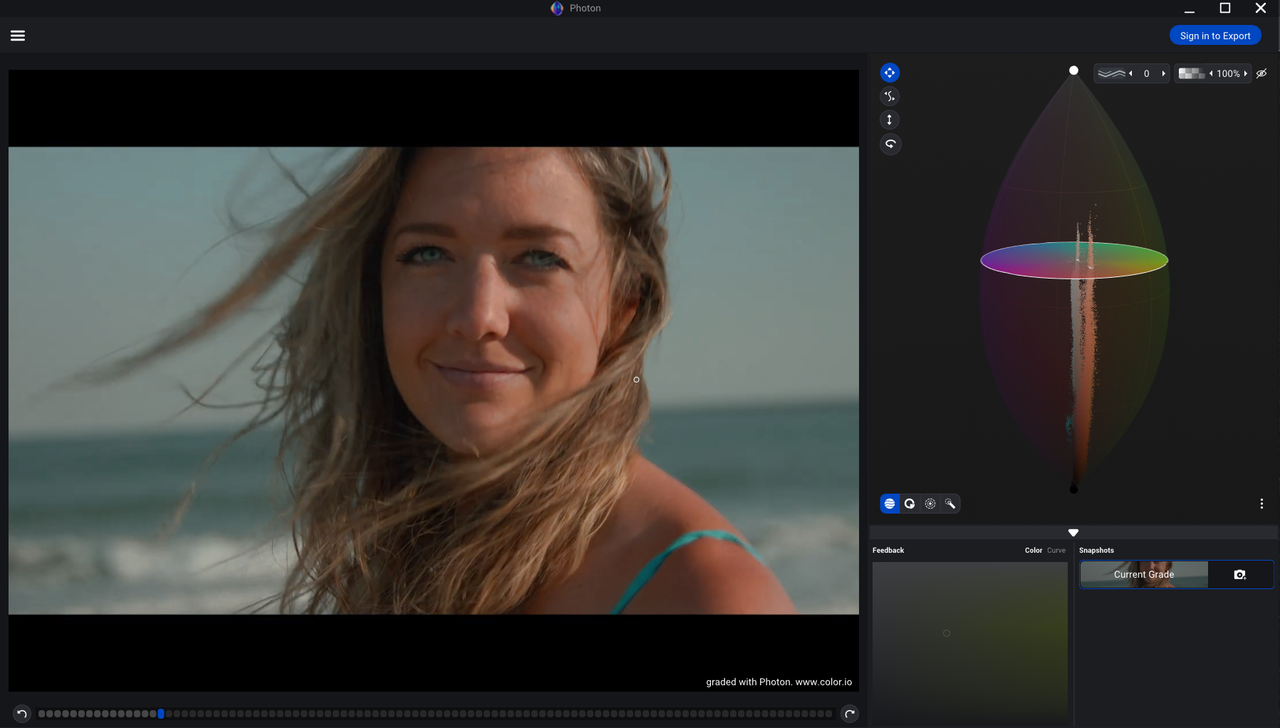
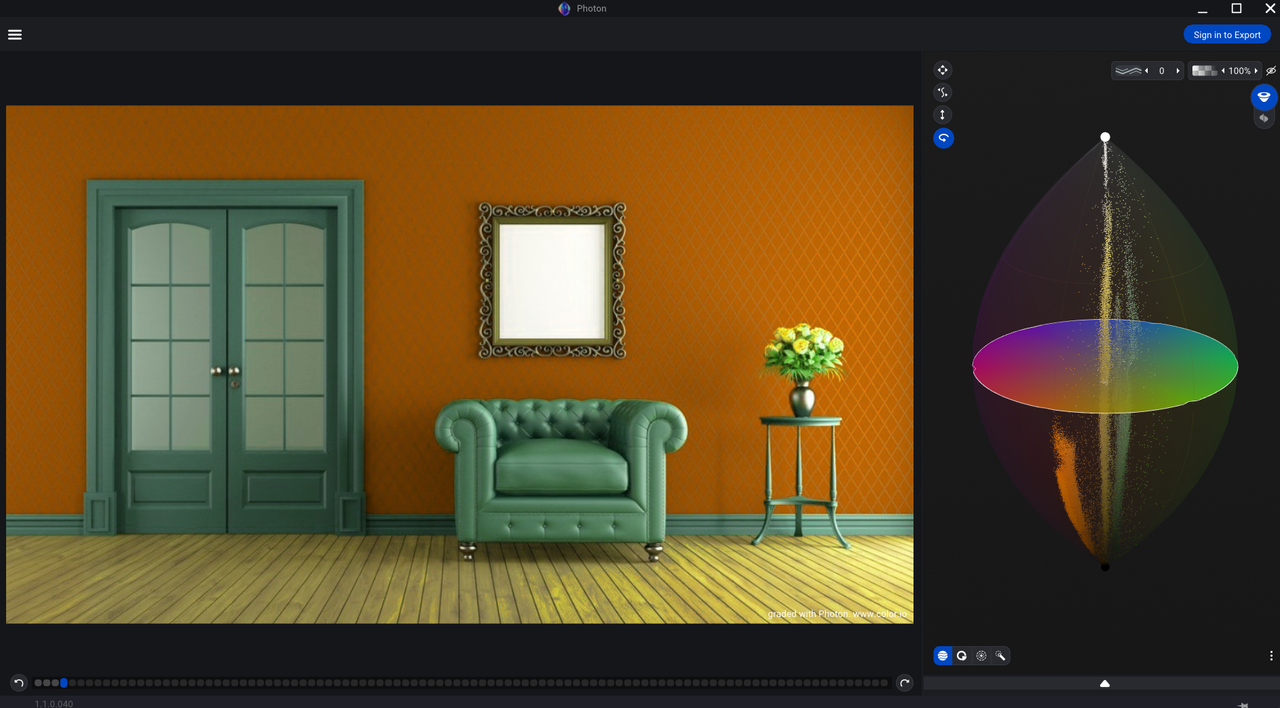
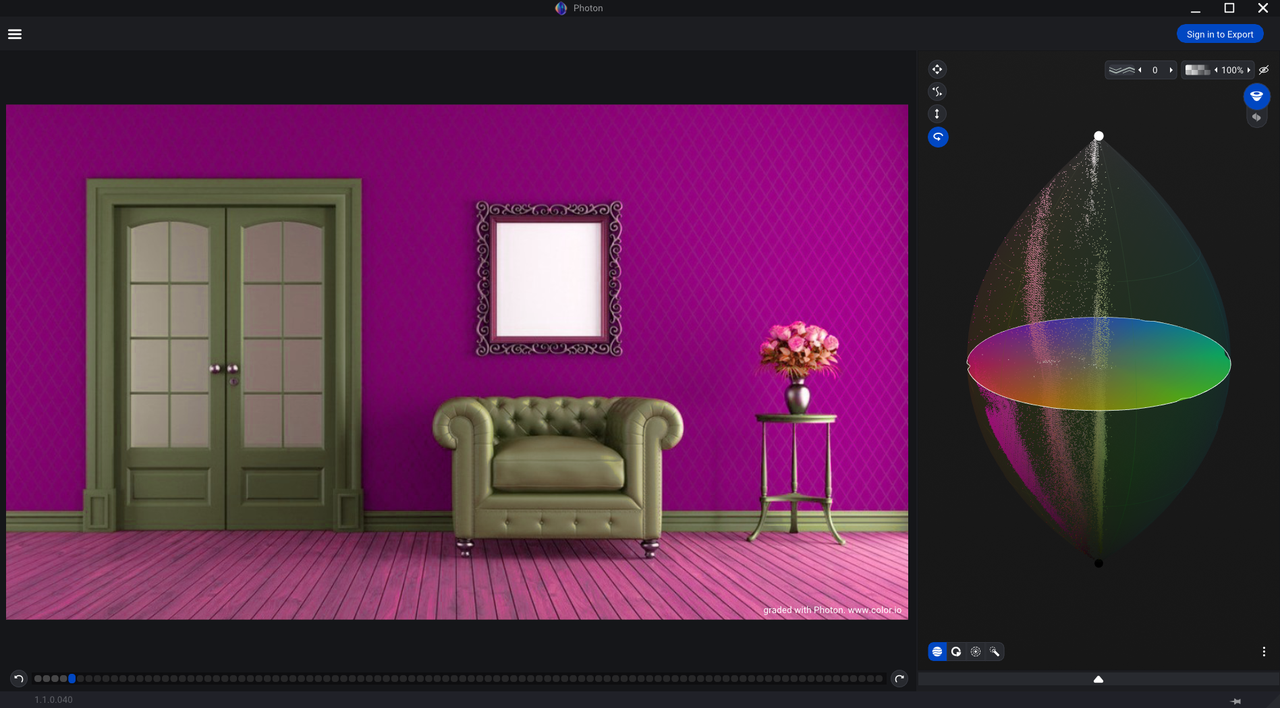
With Color.io

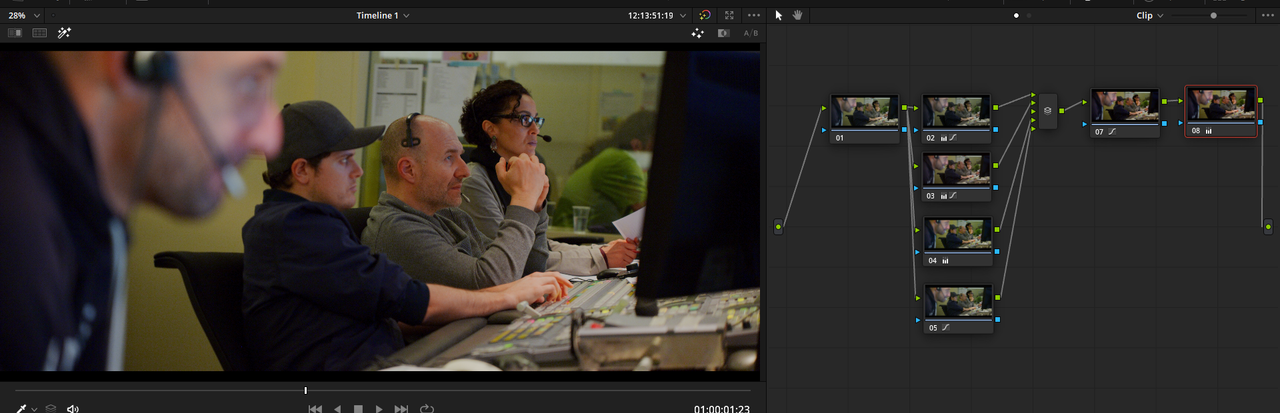
I think it would be better to get the Davinci Resolve OFX Plugin version so that you could use your Scopes for better grading accuracy.

Before

Screenshot-1374.png


After

Screenshot-1373.png
 
Last edited:
Personally, I wouldn't want to grade images using this tool in Resolve. It's not unlike using 3D LUT Creator OFX, where you send the image to another app, Photon in this case, and then after you finished developing the look, you then render it in Resolve. Said that, the ability to open an existing LUT and to see it graphically displayed can be quite beneficial, especially if you needed to "repair" or modify it. So, let's see just how fast this new LUT feature makes a native appearance in Resolve. Version 18 perhaps?:001_rolleyes:
 
Jake,

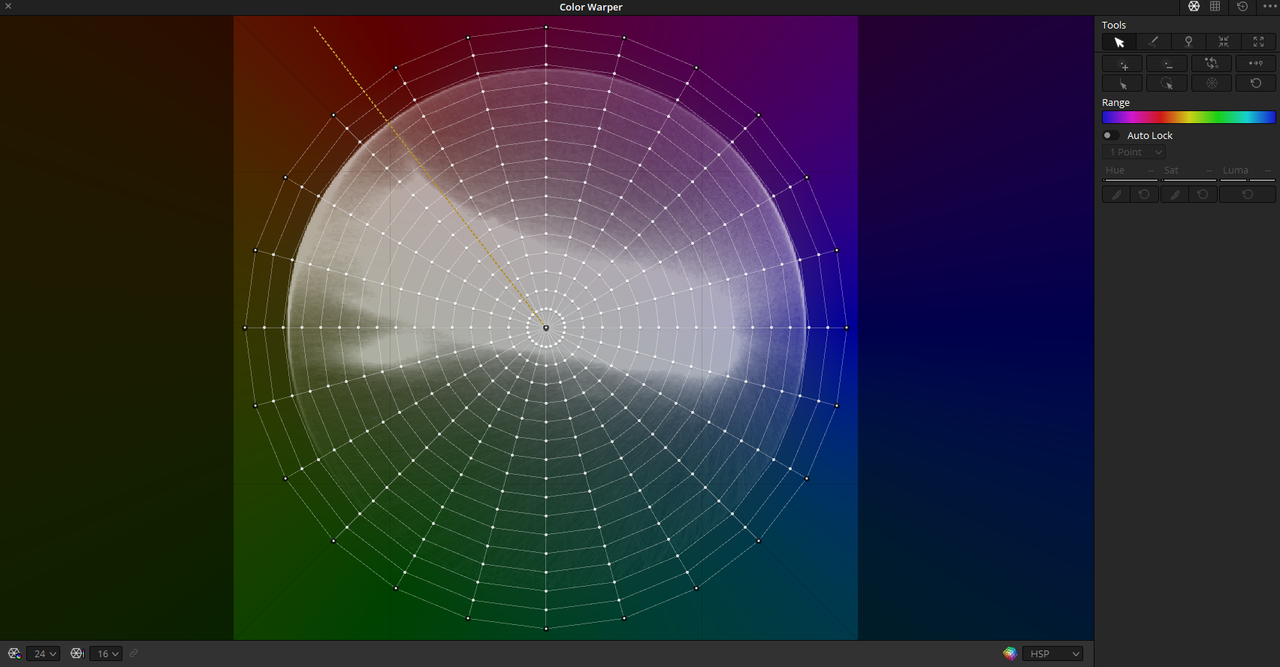
I hardly ever use my 3D lut Creator OFX plugin in Resolve anymore except for making luts for other people. I got tired of going in and out of the 3Dlut Creator interface and Resolve. The only thing I really used it for was the Color Vector tool. And as you stated, once that showed up in Resolve as the Color Warper Tool, I really had little use for 3DLut Creator anymore. This 3D model tool might show up sooner than version 18.

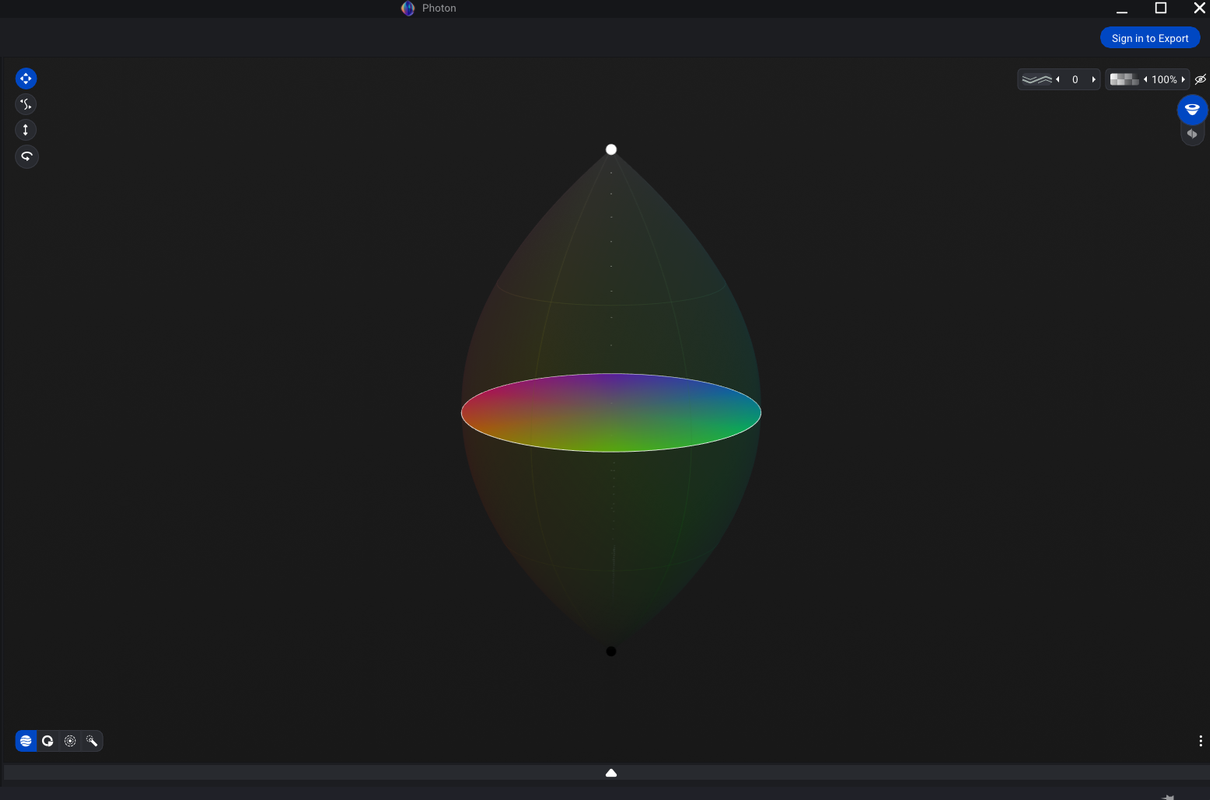
I like the way this 3D model tool works. I can do in one instant with this 3D model tool what I would have used multiple tools in resolve to do. Editing Luts in this program is also what I like a lot also.
 
Last edited:
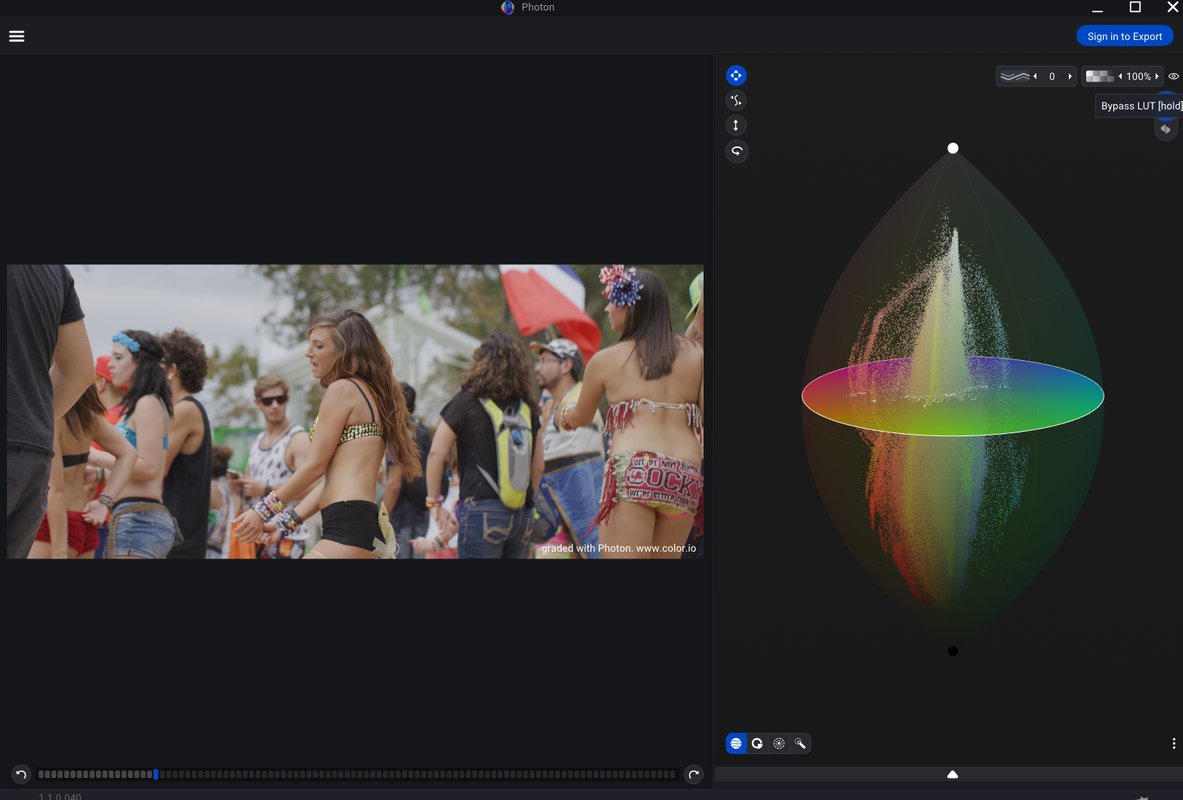
Another Photon Example


Before

Screenshot-1407.png


S003-C126-0926-F9-S000-0000304.jpg


After

Screenshot-1408.png


Screenshot-1413-2.png


More Contrast

Screenshot-1417.png


Screenshot-1419.png
 
Last edited:
Personally, I wouldn't want to grade images using this tool in Resolve. It's not unlike using 3D LUT Creator OFX, where you send the image to another app, Photon in this case, and then after you finished developing the look, you then render it in Resolve. Said that, the ability to open an existing LUT and to see it graphically displayed can be quite beneficial, especially if you needed to "repair" or modify it. So, let's see just how fast this new LUT feature makes a native appearance in Resolve. Version 18 perhaps?
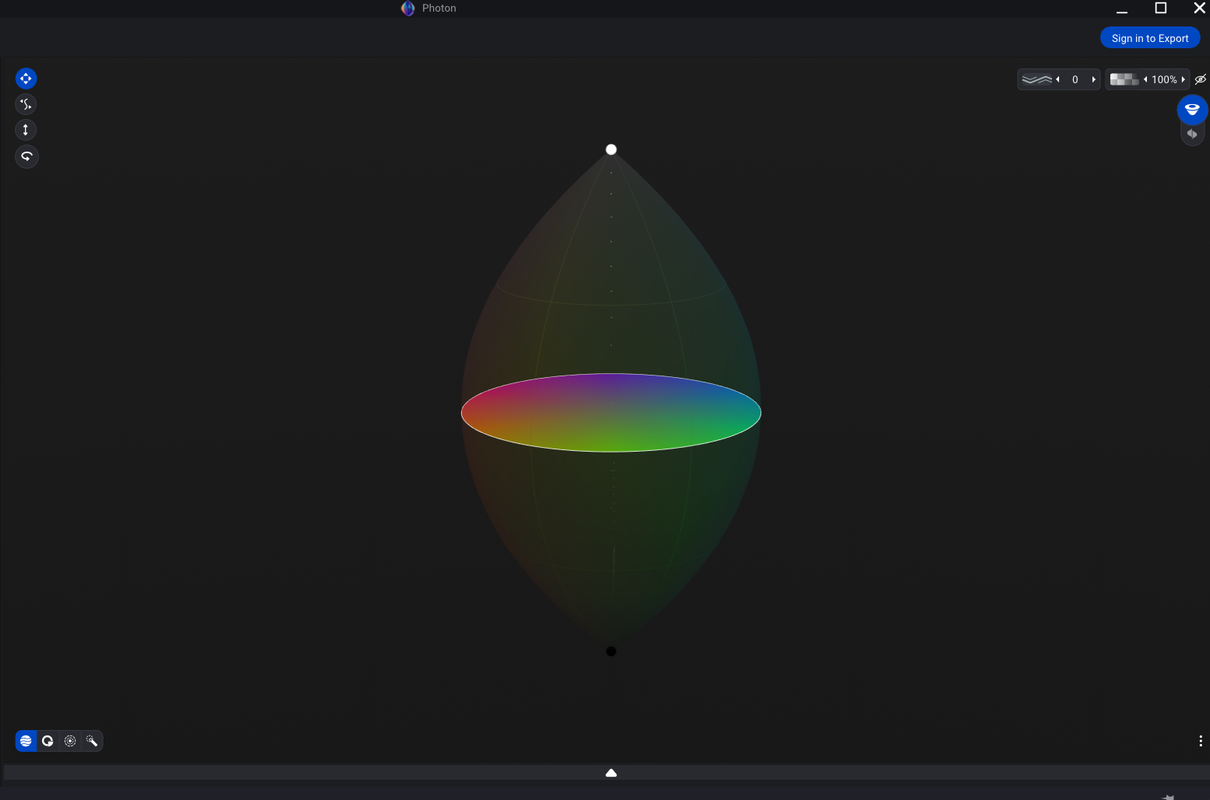

I agree completely with Jake. I also think tools like this tend to slow down colorists trying to work quickly on a control surface. I get the value of precision adjustments with a mouse but it'd be slow working that way on dozens (if not hundreds) of shots.
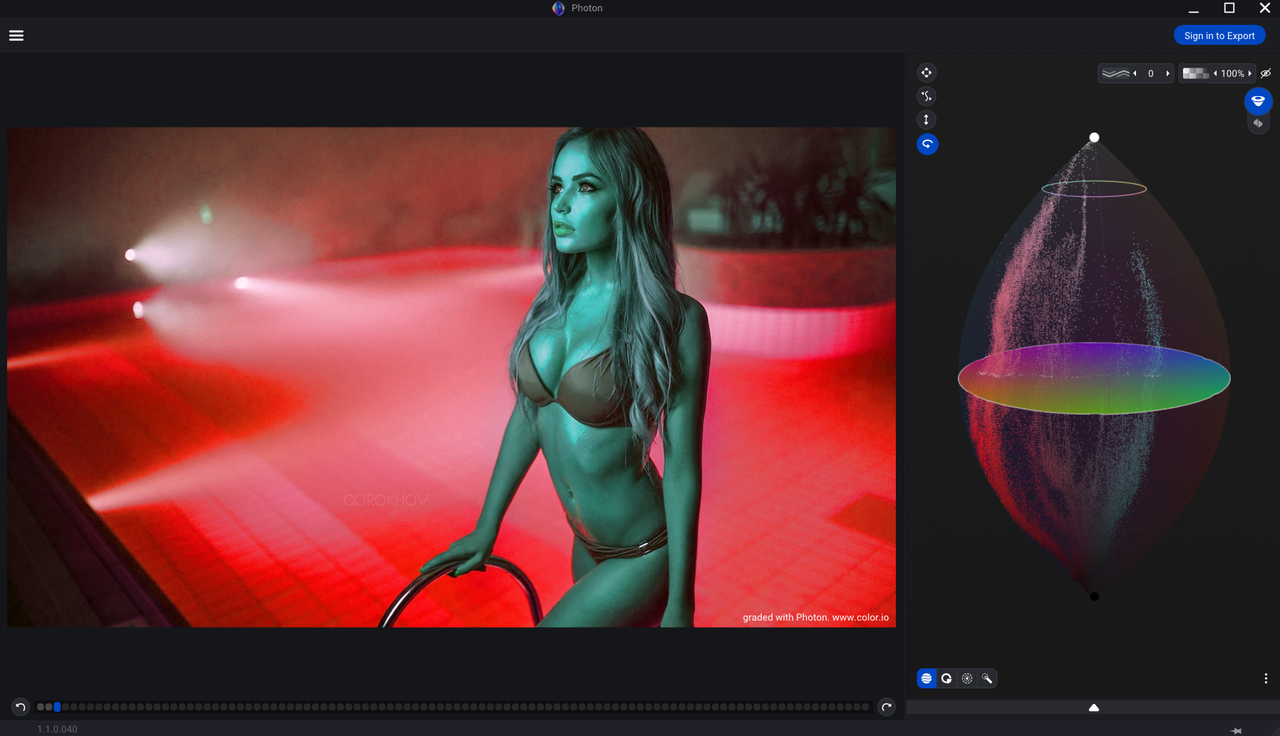
And I think the tools to achieve the same results already exist within Resolve.
 
Marc,

As you started above, pretty much everything this color correcting 3D Modeling program does already exists inside of Resolve, plus the program has crashed on me a few times already. But I think that has more to do with my computer hardware than the program itself.

The program is fairly easy to learn. However I can see it not being all that intuitive to use when you are trying to accomplish certain complex grading tasks. I think, at least to me, it just gives you a new way of thinking about grading. It's less about sliders and curves and more about seeing and correcting your images color, contrast, hue and saturation in a 3D space.

And as Jake said, I'm sure Blackmagic Design will adopt some aspects of how this program works. They brought in the "Color Warper" tool into Resolve which is a similar Color Vector Tool from other grading programs. So I think they will find some way of integrating a similar tool as this so that it fits in more easily and more intuitively into the existing Resolve workflow.
 
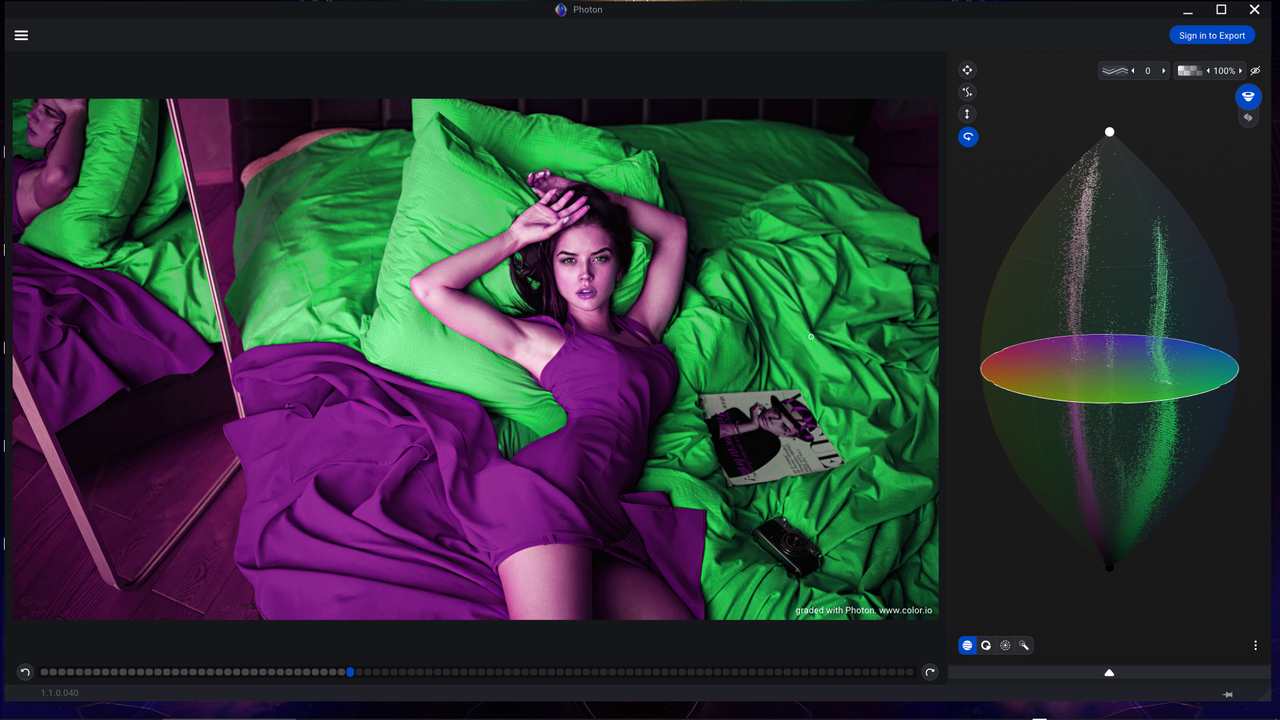
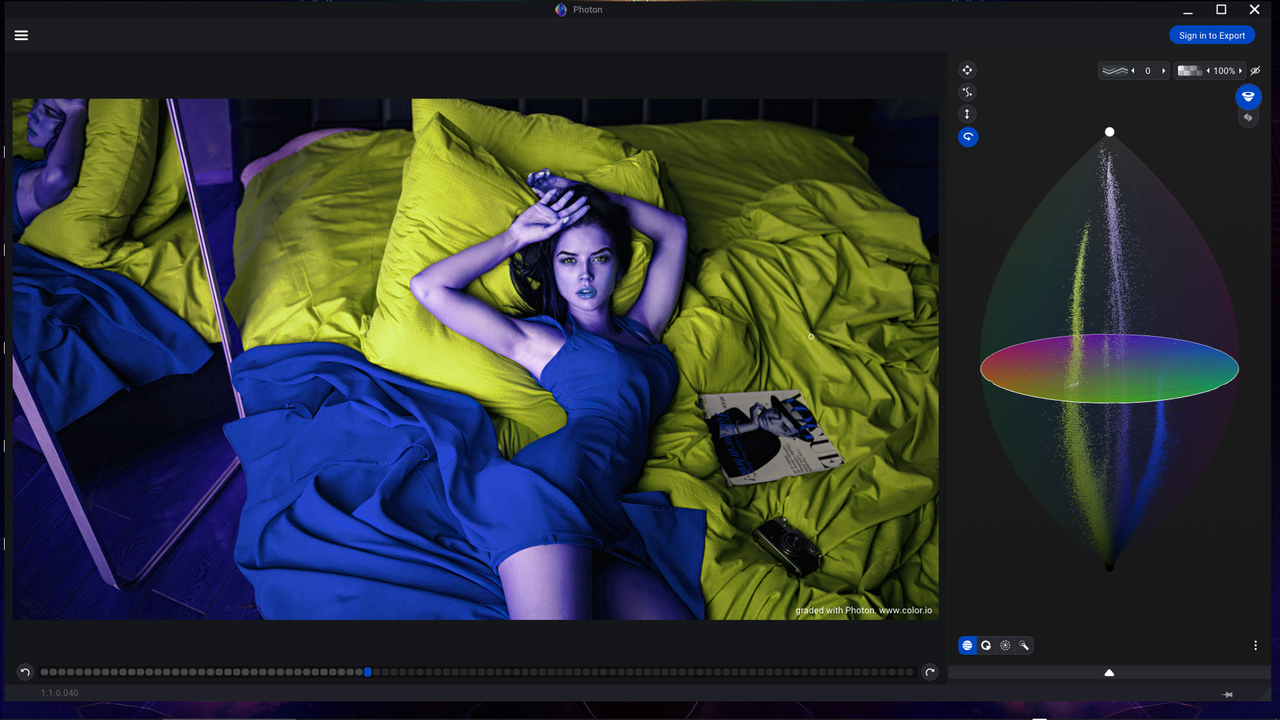
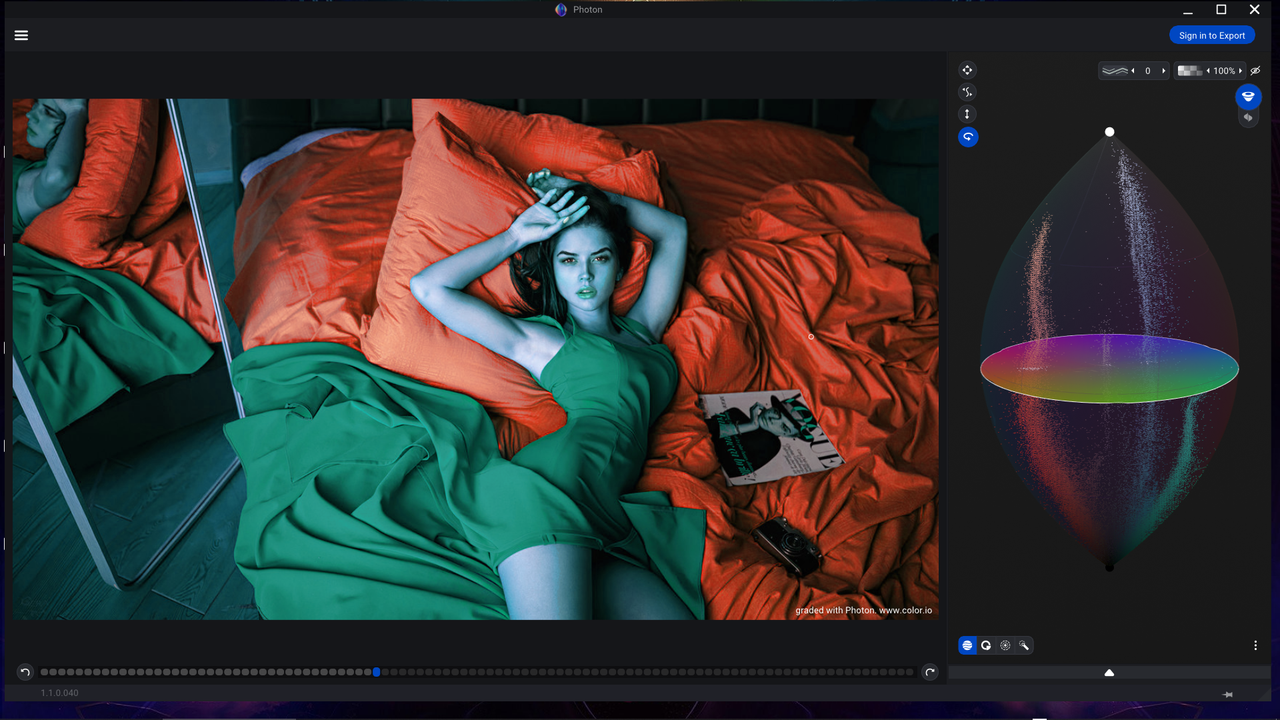
Photon-Before and After


Before

Screenshot-1472.png


A005-C007-0907-CO-0000000.jpg


After

Screenshot-1437.png


Screenshot-1432.png
 
Photon-Before and After

Image provided by Luigi Valtulini


Before

Screenshot-1477.png


A001-C019-0410-Q5-0000372-F-S000-0000000.jpg


After

Screenshot-1476.png


Screenshot-1480.png
 
Rand.
If you like the idea of on-screen color controls, again, this is not new idea in any way shape or form. This idea was already implemented a few years ago in "Cinema Grade" https://cinemagrade.com/ Unfortunately, at least according to the actual developer of the Cinema Grade software, it didn't get that much of traction in the marketplace. And that was because this type of "on-screen" color controls don't quite work if speed and precision is a consideration, especially for a professional colorist using a dedicated grading panel. So, I'd like to reiterate my original point- using Photon for actual color grading- no, using it for creating and manipulating LUTs, may be.
 
Jake,

Yeah I remember the guys name was Denver Rivers I think. From messing around with the program, I believe you are right about it being a much better tool for making and fixing luts than for everyday grading. Firstly, I miss being able to get accurate technical info from Scopes about "Out Of Gamut" colors, proper skintones(l'm just eyeballing it with this program),highlight clipping, crushed blacks...etc. Secondly, I like using "Spline" based curves, I don't really like only the "lightness" tool in this program. Lastly, I can better isolate the different properties I want to change with better tools in Resolve than I can with this program.

However, I still think its a great program to make Luts from. If you have certain lighting setups or if you shoot in certain outdoor or indoor environments on a regular basis, you can make a lut that would give you a good starting point from which to start grading from if you chose to use luts at all.
 
Last edited:
Photon Vs Resolve

Photon

Screenshot-1476.png


Screenshot-1480.png


Resolve-lPP2 Color Managed

Screenshot-1481.png


1-1-4-1-1-4.jpg


Screenshot-1482.png
 
With Color Warper Tool in Resolve

Screenshot-1487.png


Original

sworig2-1-23-11.jpg


Color Warper

sw1-1-23-4.jpg


sw2-1-23-5.jpg


sw3-1-23-6.jpg


sw4-1-23-7.jpg


sw5-1-23-8.jpg


sw6-1-23-9.jpg


sw7-1-23-10.jpg


new-1-1-23-9.jpg


new2-1-23-10.jpg


new-5-1-23-13.jpg


new6-1-23-14.jpg


swpmix6-1-23-7.jpg


new3-1-23-11.jpg


new4-1-23-12.jpg
 
Last edited:
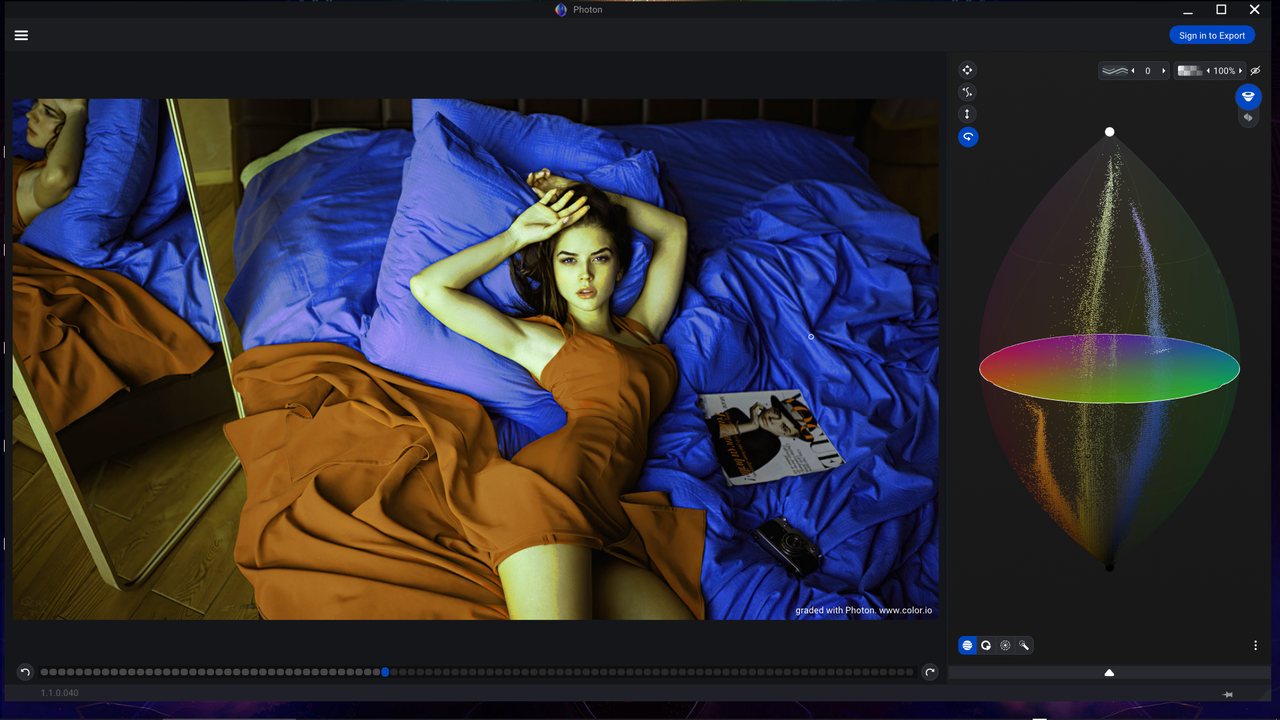
Photon-Changed the Skintones along with the other colors but Color Warper didn't


Screenshot-1485.png


Original

original-1-3-1.jpg


Photon

Screenshot-1518.png


Screenshot-1520.png


Screenshot-1521.png


Screenshot-1522.png
 
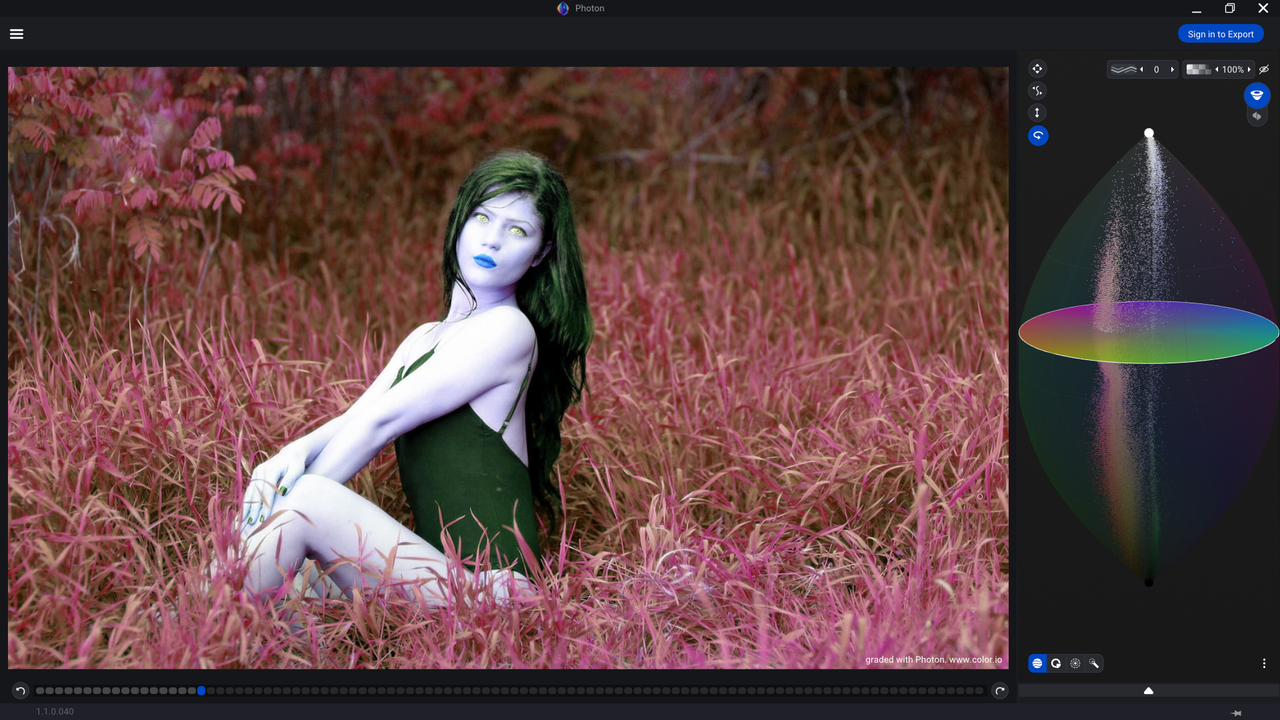
Photon-Got it's ass handed to it by Color Warper in this example. Photon lacked the ability to get the the exact hue, saturation and luminance values of a color needed to completely change that color to another. It also dramatically altered the skintones as well.


Screenshot-1485.png


Original

girl-grass-orig-1-8-1.jpg


Photon- I didn't go any further than one example

Screenshot-1533.png
 
Back
Top